Martha AI
Good software remembers there is a person behind the screen.
It understands that people work differently. Some work late into the night. Some spend all day in bright spaces. Some switch between devices constantly. The best tools adapt to those environments instead of forcing everyone into the same experience.
Martha is being built around that idea.
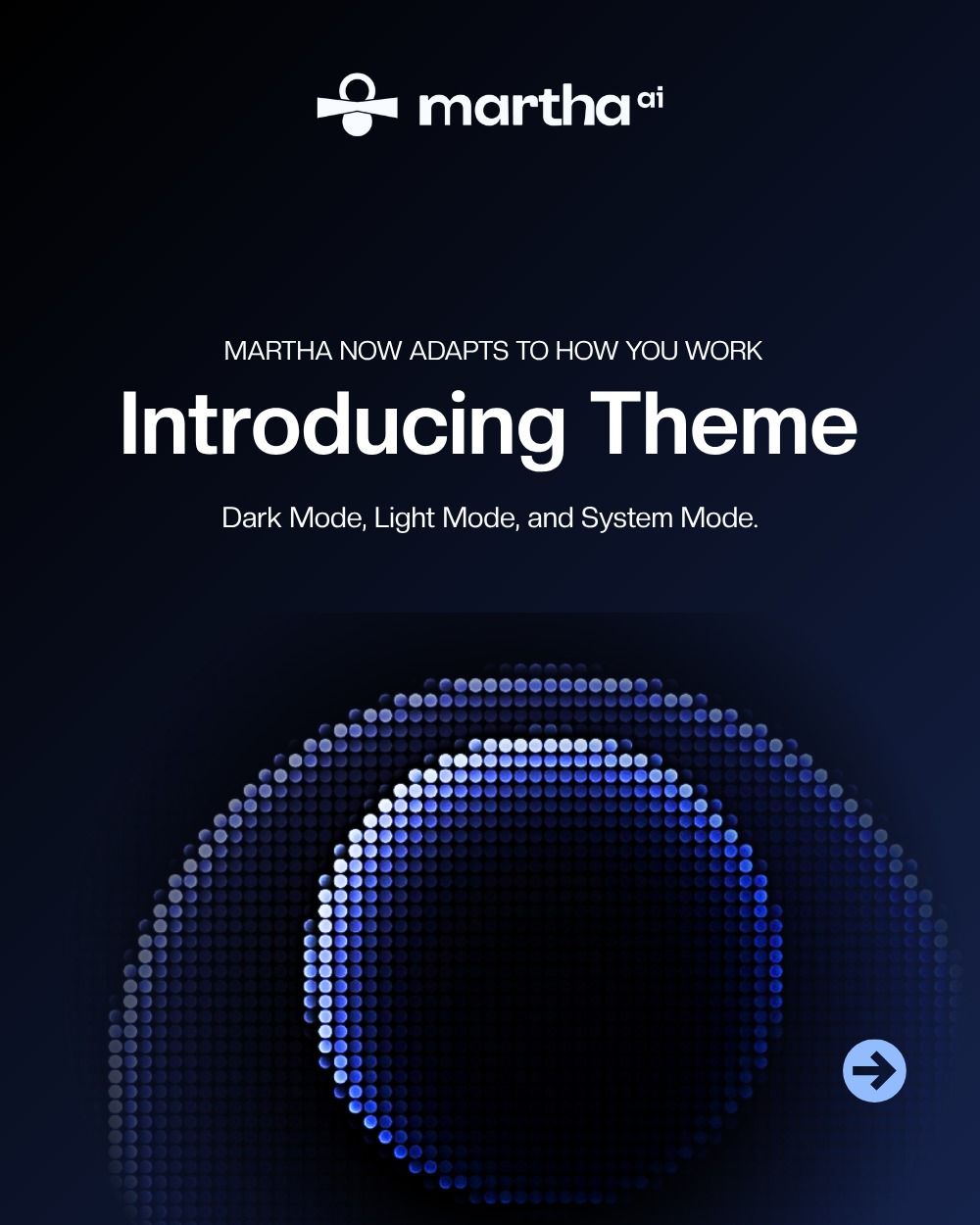
We just shipped Theme on Martha: Dark Mode, Light Mode, and System Mode.
A simple update on the surface, but one that makes a real difference for teams who spend hours inside their support dashboard every day.
New Features
Dark Mode
Built for late nights, dim workspaces, and long support shifts. Easier on the eyes and more comfortable when you are deep in conversations at 10 PM.
Light Mode
Designed for brighter environments like offices, co working spaces, and anywhere with natural light. Clean, clear, and easy to work in throughout the day.
System Mode
Probably the easiest option of all.
Martha follows your device or browser preference automatically. If your system switches to dark mode at night, Martha switches with it. No extra clicks or manual changes.
It just adapts.
How To Achieve It
Go to:
Settings → Theme → Select your preferred mode
That’s it.
Why this feature exists
Support work already demands a lot. Teams are constantly reading customer tone, prioritizing urgent issues, managing multiple conversations, and trying to maintain quality under pressure. The software they use every day should make that experience easier, not more exhausting.
Theme exists because comfort matters.
The environment you work in affects focus, energy, and how long you can stay productive without feeling drained. Small details like screen brightness, contrast, and readability make a bigger difference than most people realize.
Good software adapts to the people using it.
That is the direction Martha is continuing to build toward.
Try Theme today at askmartha.ai